The Magnificent Seven: GeForce3 Board Round-up
Features
By
Uwe Scheffel
published
Add us as a preferred source on Google
Stay On the Cutting Edge: Get the 3DTested Newsletter
Get 3DTested's best news and in-depth reviews, straight to your inbox.
By submitting your information you agree to the Terms & Conditions and Privacy Policy and are aged 16 or over.
You are now subscribed
Your newsletter sign-up was successful
An account already exists for this email address, please log in.
Subscribe to our newsletter
Drivers, Continued
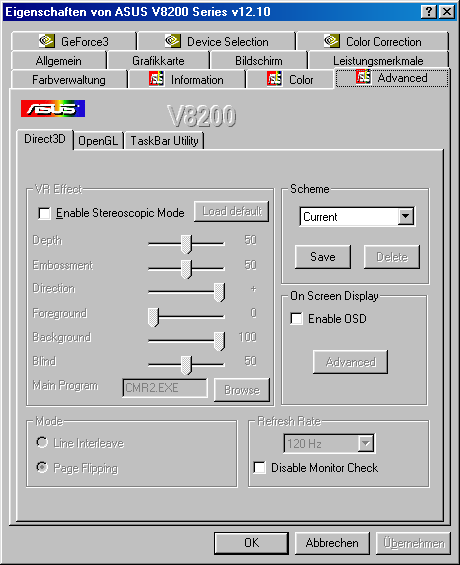
The Advanced tab contains all the settings for the 3D headset supplied with the board. Above all, though, make sure that the refresh rate is at least 120 Hz, although higher frequencies are even better. At 120 Hz, this headset has a refresh rate of 60 Hz per eye, at which point there's still some distracting flickering. Settings higher than 140 Hz make for a more comfortable viewing experience.
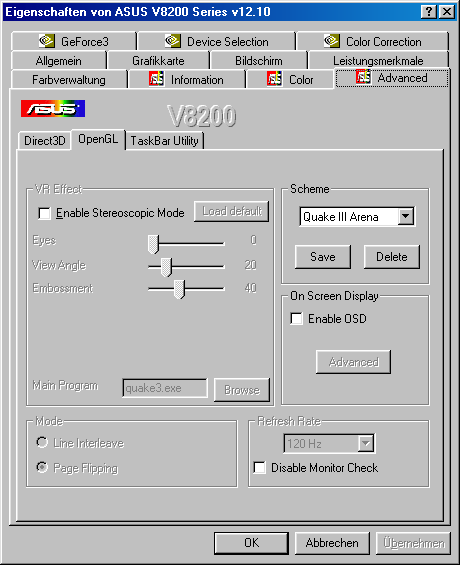
Asus separates OpenGL from the Direct3D settings.
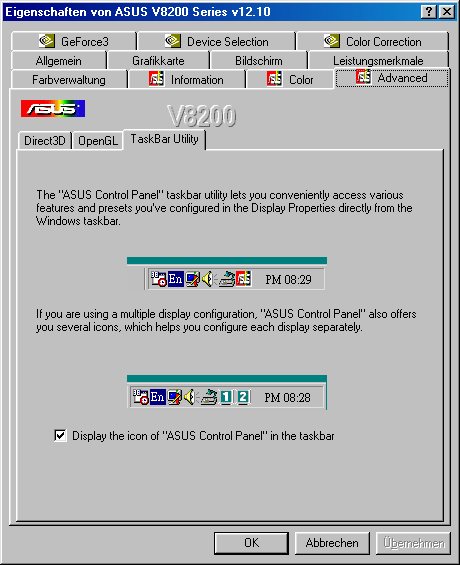
As you can see below, Asus also includes a taskbar that offers useful shortcuts.
Article continues belowStay On the Cutting Edge: Get the 3DTested Newsletter
Get 3DTested's best news and in-depth reviews, straight to your inbox.


