RAID Array Creation
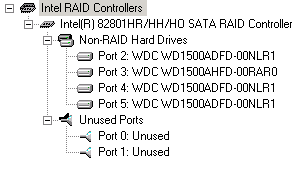
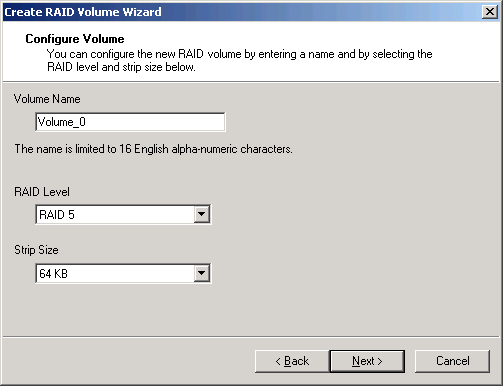
Pick a name for your RAID array and select the RAID level and stripe size. The larger the stripes, the better your sequential read or write performance; but remember that storing tiny files will always utilize at least one full stripe (64 kB in this example).
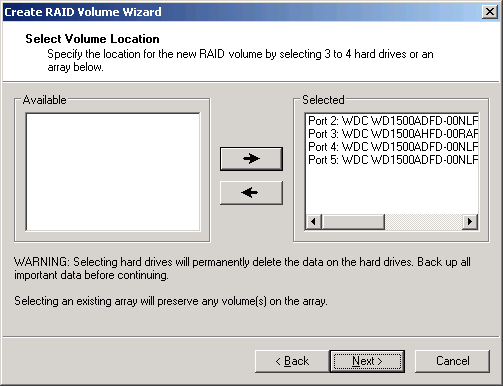
Add hard drives to the RAID array that is to be created.
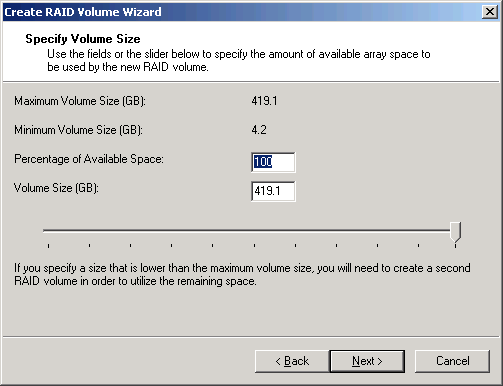
You don't have to use the full capacity for your RAID array: This window allows you to select a capacity for your volume.
Article continues belowNotification Of Degraded Arrays
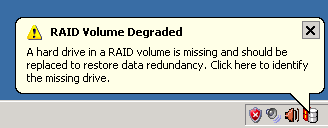
If a hard drive fails or is removed accidentally, the Intel Storage Manager will display a warning message through the task bar.
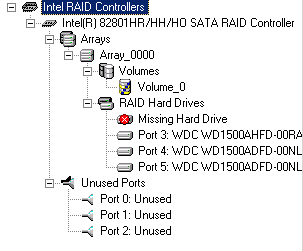
Clicking on it will show the storage status window.
TOPICS
