Adding Text And Credits Using The Inscriber
Under submenu File | New | Inscriber TE Title, you can open the inscribing tool of the same name. But - the Inscriber plug-in didn't provide any realtime effects! We had to render all inserted text first.
Swipe to scroll horizontally
| Update Information from August 29, 2001: Matrox demonstrated after we published this review that the shipping version of the RT2500 contains a v1.26 update which enables realtime effects. |
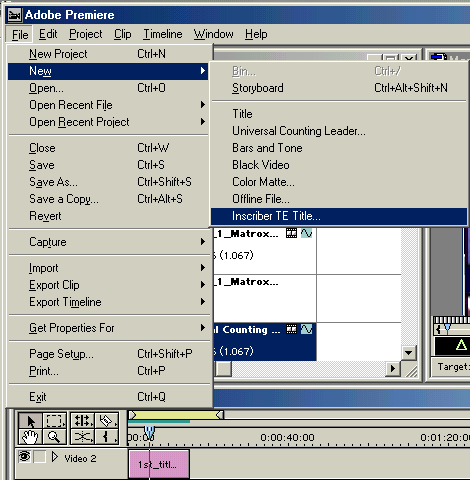
With Inscriber, you can produce effects such as inserted text and credits.

The templates are located in the upper portion of the window. Here you have an example titled "1115 Lower Third 15." We inscribed "That's Music" as the main heading and then "3DTested" as a sub-heading into the video. There are alternative fonts available in the "Styles" tab below.
Article continues belowTOPICS
