E-waste is a serious problem, and while laptops and PCs can rapidly become obsolete after only a few years of use, there’s a natural desire to keep these machines running for much, much longer. One intrepid YouTuber has salvaged an old Lenovo ThinkPad X230 laptop, circa 2012, and given it a ‘modern upgrade’ by swapping out its tired TN panel for a $25 IPS alternative that significantly improves the display quality.
When it comes to LCD technology, TN panels are the most basic form. This original tech, while offering fast response times, often delivered poor color accuracy and contrast levels, along with the worst viewing angles compared to its rivals. Most modern LCD displays and gaming laptops ship with an IPS or, if it’s budget, a VA panel. IPS is the best all-rounder, and for $25, it isn’t a bad upgrade on a 14-year old laptop.
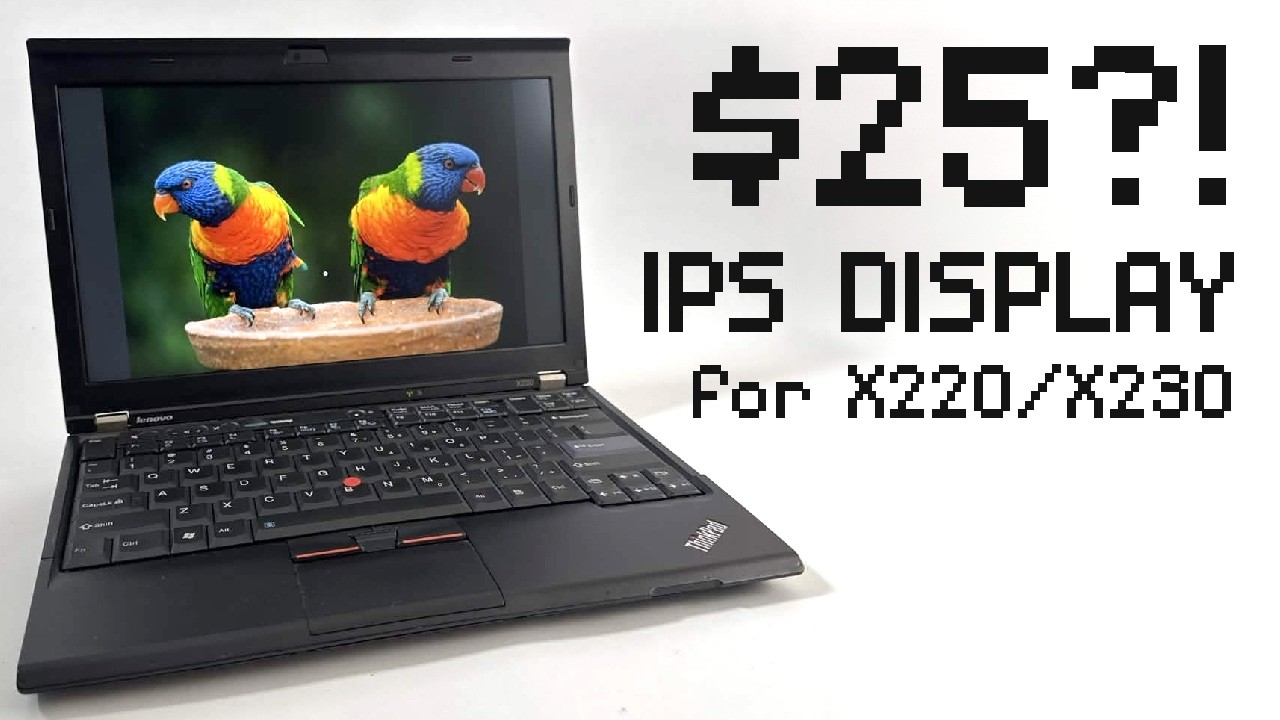
The YouTuber, onionboots, explains in a recent video his quest to see how a “near-perfect” ThinkPad X230 could be improved. One of the “few” modifications that they’ve not tried on their Thinkpad-centric YouTube channel is an upgrade to an IPS display. A common complaint, he notes, is that the stock display panels included in the X230 had “plenty of critics.”
Article continues belowThis laptop, which shipped with 3rd Gen Intel Core i5 and i7 CPUs and up to 16GB of DDR3 RAM, typically came with a 12.5" LED-backlit anti-glare display with a 1,366 x 768 screen resolution. While one of the options available included upgrading to a higher-resolution display that bumps it to full HD, it requires soldering to the motherboard which onionboots doesn’t “quite trust [himself]” to do. Instead, he used a compatible IPS panel from the same period, using the same plug-in connector and the stock 1,366 x 768 resolution.
Most of the disassembly (and reassembly) of the X230 and its sibling, the X220, is “so easy” that onionboots “would almost call it fun.” After considering a $70 display, onionboots instead uses an almost identical alternative from eBay that lacks screw brackets to save the $45 difference. The display works and, for the money spent on this LG display from 2012, onionboots notes what a “visually noticeable upgrade” it is, giving him ideas to upgrade his X220 with the same upgrade.
He does note issues with the rigidity of the upgrade, believing that the missing display brackets lacking in the $25 purchase would help to keep the whole display assembly rigid and more secure, and while he can “live with the flex” himself, others may prefer the more expensive upgrade. He also notes some minor quality-of-life issues, such as mild ghosting, that he believes are simply typical of a panel of its era.
Enthusiasts like onionboots prove that there’s plenty of life left in old electronics. While plans for a whole series of upgrades, including a keyboard mod and a firmware jailbreak, are on the backburner for at least a few weeks, it’ll be interesting to see what other upgrades this YouTuber is able to make to this ThinkPad in the future.

Follow 3DTested on Google News, or add us as a preferred source, to get our latest news, analysis, & reviews in your feeds.